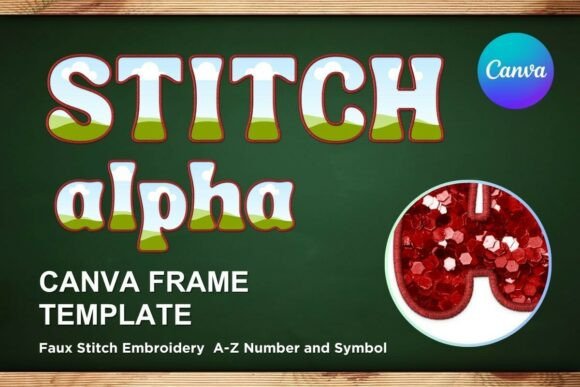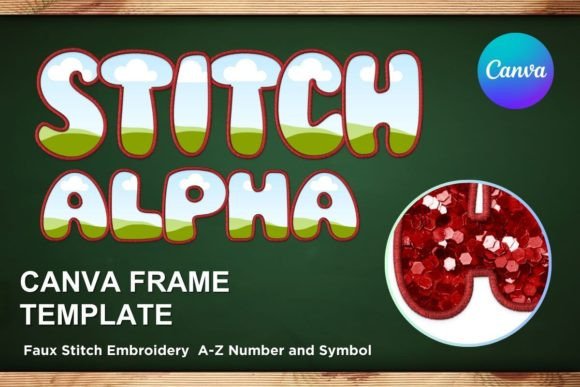
Faux Embroidery Canva Frame Letters 2
A Designer’s First Look: Charm with Clear Intent
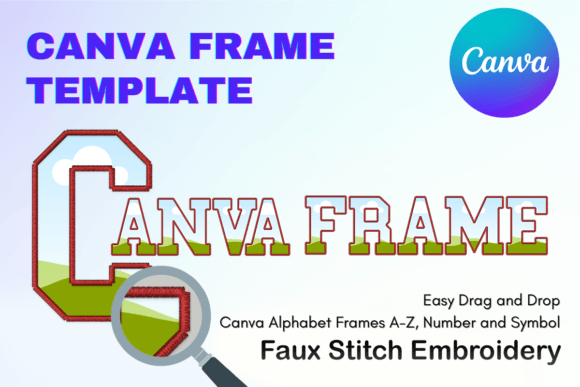
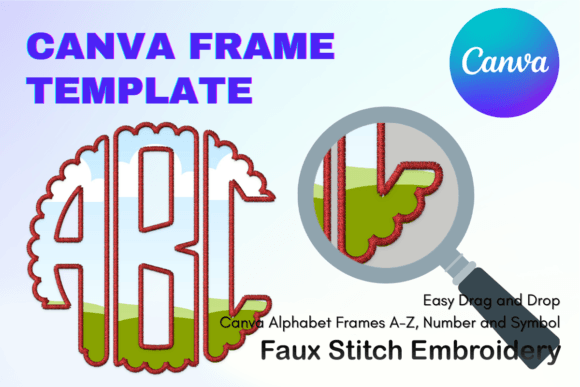
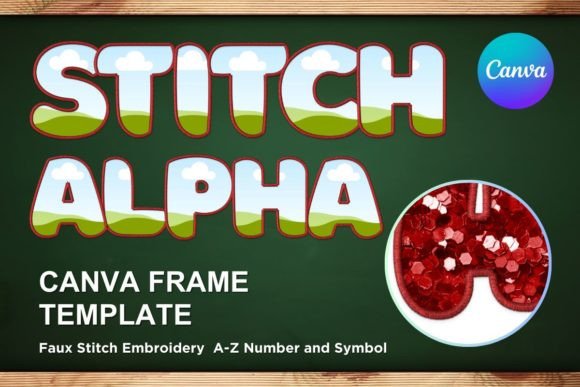
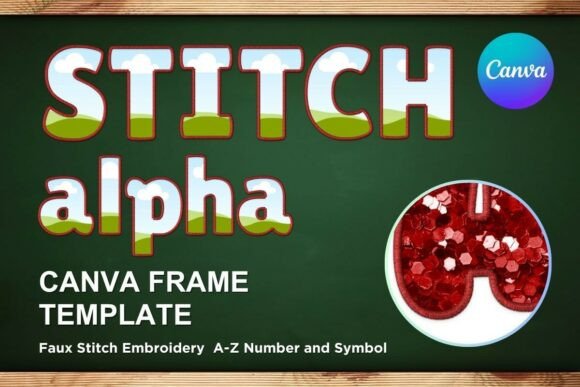
As an embroidery designer who’s stitched over 300 custom orders—from monogrammed baby blankets to boutique apron collections—I approached Faux Embroidery Canva Frame Letters 2 with cautious curiosity. This isn’t a machine embroidery design or applique design in the traditional sense. It’s a digital graphic set built for Canva, designed to mimic hand-stitched lettering inside decorative frames—think delicate floral corners, scalloped borders, and soft serif or script letterforms that breathe like real embroidery.
The mood is warm, intentional, and quietly elevated—not overly ornate, but rich in implied texture. You won’t find dense satin stitch fills or layered underlay here; instead, you’ll see clever line work, subtle shadowing, and frame elements that suggest stitching depth without actual stitch data. That distinction matters: this is a graphics asset, not an embroidery file. It’s meant to stand in for embroidery in mockups—or to inspire real stitch interpretations.
Where It Fits Naturally (and Where It Doesn’t)
Faux Embroidery Canva Frame Letters 2 shines brightest when used as a design bridge—not a replacement—for physical embroidery. For example, I tested it while prepping a client order for personalized linen kitchen towels. Rather than sending a flat JPEG of text, I dropped the Canva frame into a realistic towel mockup, adjusted the lettering to match her daughter’s name, and shared it for approval. The result looked handmade, cohesive, and gift-ready—without needing to digitize anything first.
It also works well for Etsy sellers building consistent branding across listings. Pair Faux Embroidery Canva Frame Letters 2 with your own embroidered patch photos or sweatshirt flat lays, and suddenly your shop feels more curated and tactile—even before a single thread is sewn. Small business owners creating printable mockups for wholesale catalogs or craft fair lookbooks will appreciate how quickly these frames add visual warmth and authenticity.
That said, don’t reach for this expecting to load it directly into your embroidery machine. There’s no .dst, .pes, or .jef file included—just one PDF containing links to editable Canva templates sized at 12×12 inches. If your goal is to stitch the letters themselves, you’ll need to use this as a reference while digitizing your own machine embroidery design—or pair it with a compatible embroidery file from another source.
Real-World Use Across Handmade Products
In practice, Faux Embroidery Canva Frame Letters 2 supports smarter decision-making across product categories:
- Tote bag design: Frame a short phrase (“Carry Joy”, “Market Day”) and drop it onto a fabric mockup—ideal for Instagram previews or printed hang tags.
- Sweatshirt embroidery: Use the frame style to preview how centered script lettering might balance on a crewneck before committing to dense fill stitch.
- Baby items & nursery decor: The gentle proportions and soft edges suit onesies and wall art thumbnails without feeling juvenile or cluttered.
- Embroidered patch concepts: Layer the frame over a patch outline to visualize border thickness and spacing before ordering physical backing.
- Seasonal handmade gifts: Swap fonts and colors in Canva to align with holidays—no new assets needed, just thoughtful reuse.
What to Watch For Before Stitching
Because Faux Embroidery Canva Frame Letters 2 mimics embroidery rather than executing it, its biggest value lies in preparation—not production. Still, it indirectly affects your real-world embroidery outcomes:
- Small hoop sizes: The frames assume generous spacing. If you’re stitching initials inside a 4×4 hoop, verify letter height and frame clearance before digitizing.
- Tiny lettering & dense areas: What looks delicate on screen may translate poorly to satin stitch on knit fabric. Always test small details on scrap fabric first.
- Textured or stretchy fabric: Faux visuals don’t account for stabilizer pull or fabric distortion. Confirm thread color contrast and stitch density separately.
- Dark fabric & curved surfaces: The light-on-dark contrast in Canva doesn’t replicate how thread reads on black caps or ribbed terry cloth—mock up both light and dark versions.
How It Elevates Your Handmade Presentation
When customers scroll Etsy or browse a local craft fair, they’re buying feeling—not just function. Faux Embroidery Canva Frame Letters 2 helps communicate care, consistency, and craftsmanship before the first stitch is made. A well-framed name on a pillow cover mockup tells buyers, “This was chosen, not slapped on.” That perception boosts perceived value, encourages repeat orders, and strengthens brand trust—especially for personalized gifts where emotional resonance drives purchase decisions.
It also streamlines your workflow: no more juggling font libraries and border vectors. With everything pre-aligned and proportionally balanced, you spend less time formatting and more time refining your actual embroidery file or sourcing quality thread colors.
Practical Next Steps for Embroidery Designers
If you’re considering Faux Embroidery Canva Frame Letters 2 for your next project:
- Download the PDF and open the Canva link—check if your team has Canva Pro access (some frame features require it).
- Test drag-and-drop editing with your most common product dimensions—tote bags, sweatshirts, baby blankets—to confirm scalability.
- Compare how the frame reads against your actual embroidered samples. Does the faux texture complement—or compete with—your real stitch personality?
- Review licensing terms on the Creative Fabrica product page before using in commercial embroidery products or reselling finished items.
- Always run a physical test: print the frame at 100% scale, cut it out, and hold it over your fabric to gauge visual weight and proportion.
Honestly? Faux Embroidery Canva Frame Letters 2 won’t replace your digitizing software—but it *will* help you present your handmade product with more intention, speed, and quiet confidence. For embroidery designers balancing creativity with commerce, that kind of clarity is worth every download.